
metoro-mcp-server to AI assistants so they can query your Metoro data.
Prerequisites
- A Metoro account
- Go installed locally (for building the MCP server)
- An MCP-capable AI client (for example, Claude Code)
1. Create a Metoro API key
- In Metoro, go to Settings -> Developer -> API Keys.
- Create a new API key with the permissions you want your AI assistant to have.
- If you want parity with Metoro’s default AI investigation permissions, use the matching default permissions preset.
- Name the key something like
local mcp server. - Copy the key and store it safely.
2. Clone and build metoro-mcp-server
./metoro-mcp-server) in the repo root.
3. Configure your AI client
Claude Code
Run:If your Metoro workspace is in a different region, replace
METORO_API_URL with your workspace URL.Ensure the binary path is correct and executable.
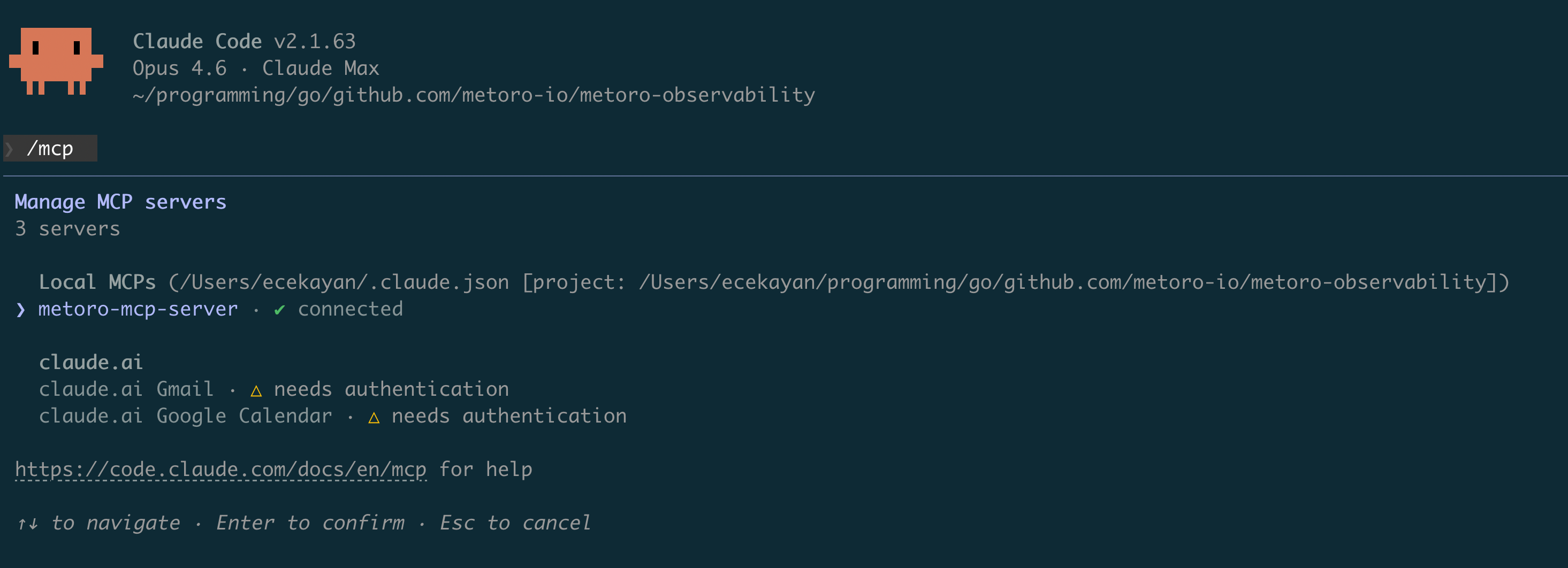
Verify Claude Code connectivity
- Start a Claude Code session.
- Run
/mcp. - Confirm
metoro-mcp-serverappears as connected.
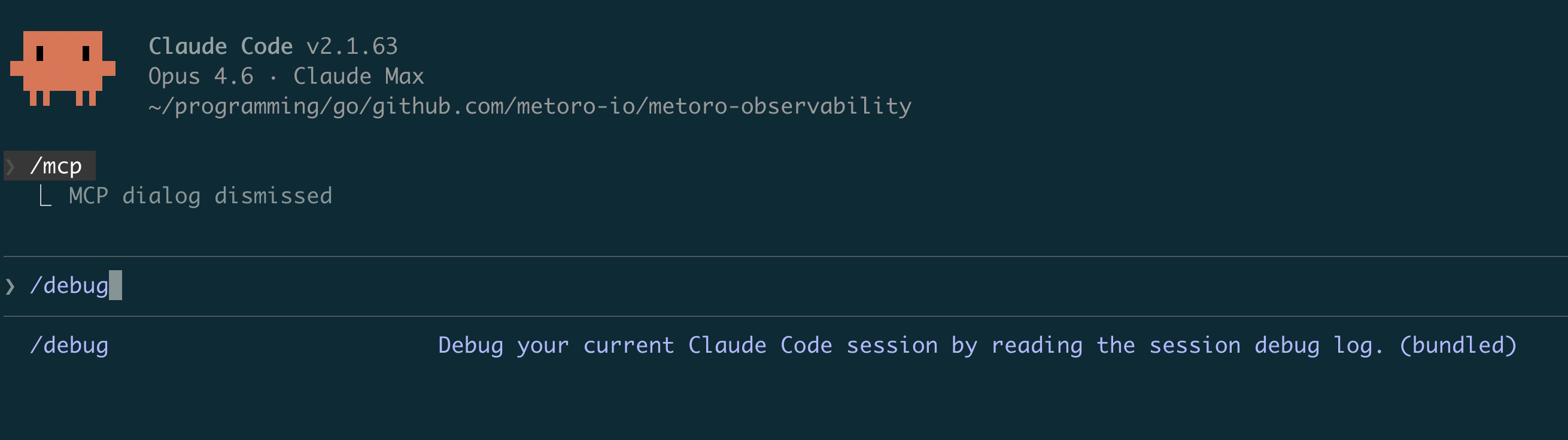
/debug in Claude Code to inspect startup or connection failures.
Validate with a real query
Ask Claude something like:Are there error logs from the last 5 minutes in <service-name>?
If Claude can query and answer from Metoro data, setup is complete.
Available MCP tools
You can find the full list of tools exposed by the MCP server intools/tools.go.
Limitations
- Currently, you cannot trigger an AI investigation run from the MCP server.
- However, you can use an MCP client and create an investigation at the end with your findings using
create_investigation. - If you would like to create an issue instead, use
create_ai_issue.
- However, you can use an MCP client and create an investigation at the end with your findings using
Troubleshooting
401 Unauthorized from Metoro API
- Verify
METORO_AUTH_TOKENis correct and was copied fully. - Ensure the API key has not expired or been revoked.
MCP server fails to start
- Confirm the binary path is correct (
./metoro-mcp-serveror absolute path). - Ensure the binary has execute permissions.
- Run
./metoro-mcp-serverdirectly to verify it starts without immediate errors.
MCP server shows disconnected in Claude Code
- Run
/debugin Claude Code and check recent MCP logs. - Confirm
METORO_API_URLmatches your Metoro workspace region. - Re-run
claude mcp add ...with corrected env vars/path.
Security notes
- Use least-privilege roles for API keys where possible.
- Do not commit API tokens to source control.
- Rotate API keys periodically.