> ## Documentation Index
> Fetch the complete documentation index at: https://metoro.io/docs/llms.txt
> Use this file to discover all available pages before exploring further.
# Metoro MCP Server Setup
> Connect the Metoro MCP Server to AI assistants with shared setup and client-specific instructions.
This guide shows how to connect [`metoro-mcp-server`](https://github.com/metoro-io/metoro-mcp-server) to AI assistants so they can query your Metoro data.
## Prerequisites
* A Metoro account
* Go installed locally (for building the MCP server)
* An MCP-capable AI client (for example, Claude Code)
## 1. Create a Metoro API key
1. In Metoro, go to **Settings** -> **Developer** -> **API Keys**.
2. Create a new API key with the permissions you want your AI assistant to have.
3. If you want parity with Metoro's default AI investigation permissions, use the matching default permissions preset.
4. Name the key something like `local mcp server`.
5. Copy the key and store it safely.
You will not be able to view this API key again after closing the creation dialog.
## 2. Clone and build `metoro-mcp-server`
```bash theme={null}
git clone git@github.com:metoro-io/metoro-mcp-server.git
cd metoro-mcp-server
go build
```
This produces a local binary (typically `./metoro-mcp-server`) in the repo root.
## 3. Configure your AI client
### Claude Code
Run:
```bash theme={null}
claude mcp add metoro-mcp-server \
-e METORO_AUTH_TOKEN= \
-e METORO_API_URL=https://us-east.metoro.io \
-- path/to/your/metoro-mcp-server/binary/metoro-mcp-server
```
If your Metoro workspace is in a different region, replace `METORO_API_URL` with your workspace URL.
Ensure the binary path is correct and executable.
#### Verify Claude Code connectivity
1. Start a Claude Code session.
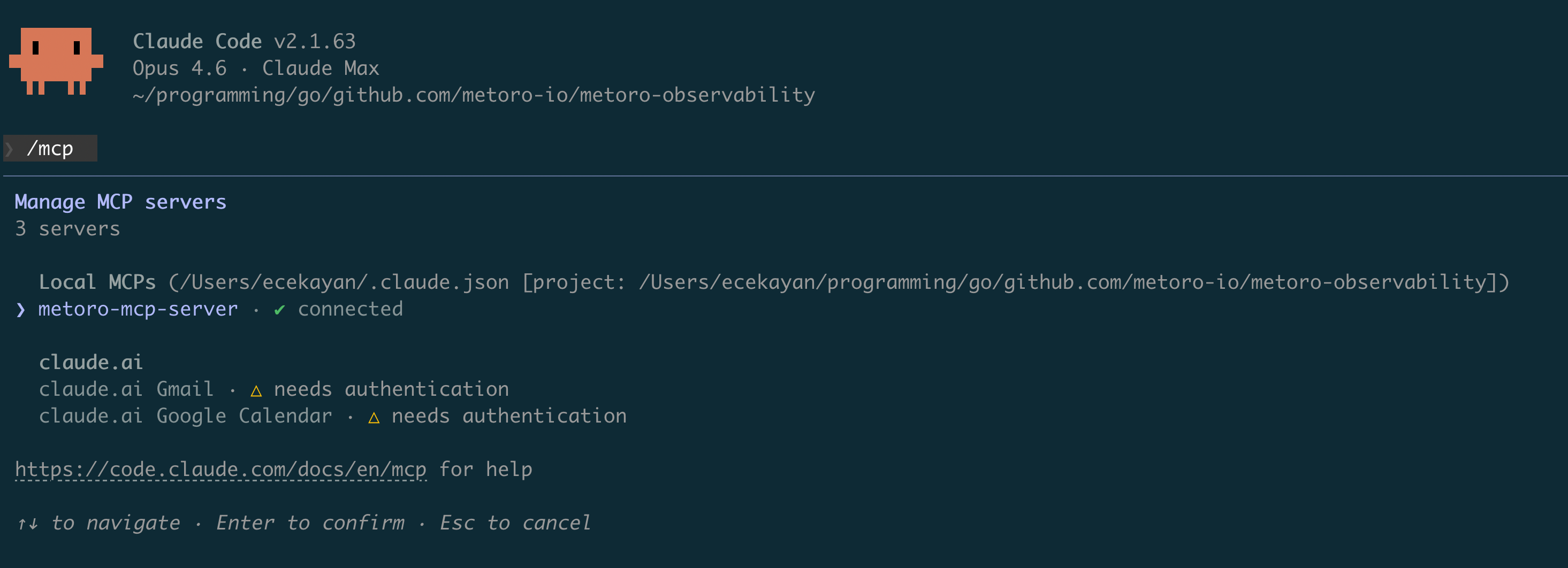
2. Run `/mcp`.
3. Confirm `metoro-mcp-server` appears as connected.
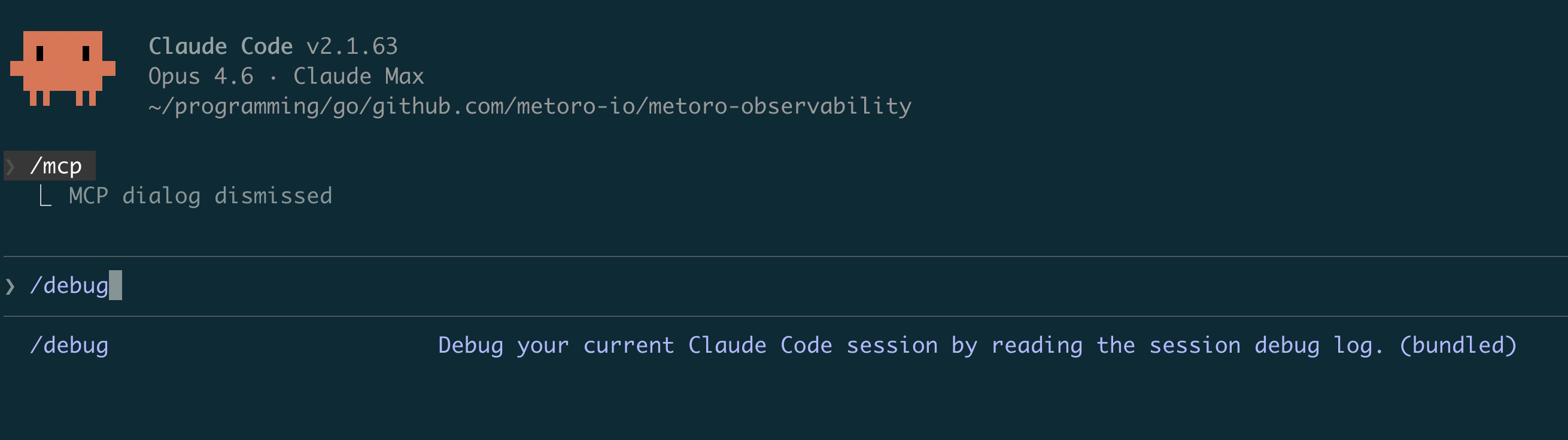
 If it is not connected, run `/debug` in Claude Code to inspect startup or connection failures.
 #### Validate with a real query
Ask Claude something like:
`Are there error logs from the last 5 minutes in ?`
If Claude can query and answer from Metoro data, setup is complete.
## Available MCP tools
You can find the full list of tools exposed by the MCP server in [`tools/tools.go`](https://github.com/metoro-io/metoro-mcp-server/blob/main/tools/tools.go).
## Limitations
* Currently, you cannot trigger an AI investigation run from the MCP server.
* However, you can use an MCP client and create an investigation at the end with your findings using `create_investigation`.
* If you would like to create an issue instead, use `create_ai_issue`.
## Troubleshooting
### `401 Unauthorized` from Metoro API
* Verify `METORO_AUTH_TOKEN` is correct and was copied fully.
* Ensure the API key has not expired or been revoked.
### MCP server fails to start
* Confirm the binary path is correct (`./metoro-mcp-server` or absolute path).
* Ensure the binary has execute permissions.
* Run `./metoro-mcp-server` directly to verify it starts without immediate errors.
### MCP server shows disconnected in Claude Code
* Run `/debug` in Claude Code and check recent MCP logs.
* Confirm `METORO_API_URL` matches your Metoro workspace region.
* Re-run `claude mcp add ...` with corrected env vars/path.
## Security notes
* Use least-privilege roles for API keys where possible.
* Do not commit API tokens to source control.
* Rotate API keys periodically.
#### Validate with a real query
Ask Claude something like:
`Are there error logs from the last 5 minutes in ?`
If Claude can query and answer from Metoro data, setup is complete.
## Available MCP tools
You can find the full list of tools exposed by the MCP server in [`tools/tools.go`](https://github.com/metoro-io/metoro-mcp-server/blob/main/tools/tools.go).
## Limitations
* Currently, you cannot trigger an AI investigation run from the MCP server.
* However, you can use an MCP client and create an investigation at the end with your findings using `create_investigation`.
* If you would like to create an issue instead, use `create_ai_issue`.
## Troubleshooting
### `401 Unauthorized` from Metoro API
* Verify `METORO_AUTH_TOKEN` is correct and was copied fully.
* Ensure the API key has not expired or been revoked.
### MCP server fails to start
* Confirm the binary path is correct (`./metoro-mcp-server` or absolute path).
* Ensure the binary has execute permissions.
* Run `./metoro-mcp-server` directly to verify it starts without immediate errors.
### MCP server shows disconnected in Claude Code
* Run `/debug` in Claude Code and check recent MCP logs.
* Confirm `METORO_API_URL` matches your Metoro workspace region.
* Re-run `claude mcp add ...` with corrected env vars/path.
## Security notes
* Use least-privilege roles for API keys where possible.
* Do not commit API tokens to source control.
* Rotate API keys periodically.